
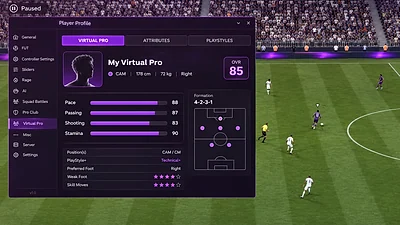
FC 27 Product Screenshots: What They Can and Cannot Show
Use screenshots as visual examples while verifying current features, compatibility and availability separately.
A gameplay image can communicate the look of a match, a menu or an interface. It is a snapshot, not proof that a product feature is currently available, compatible or included in every plan.
Separate visual presentation from product facts
Use a screenshot to understand what is visible in that image. Verify feature names, mode coverage, product status and requirements in the current seller listing.
Look for context and date
Game updates can make older images stale. Check when the image was captured and whether the accompanying text identifies the relevant build or product plan.
Avoid guarantees based on an image
No screenshot can guarantee a result or prevent account action. Read the game rules and product terms before deciding whether third-party software is appropriate.