
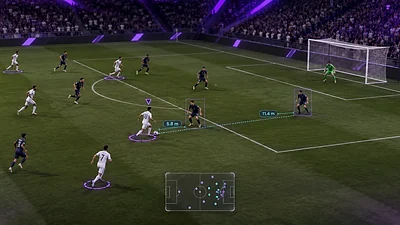
FC 27 Cheats After an Update: What to Check First
A practical checklist for checking the game build, seller status, system requirements and account risk after an update.
A game update can change compatibility and availability. An older screenshot, saved guide or previous status does not confirm that a third-party product works with the current FC 27 build. Use this checklist to review the information that can change.
Verify the exact game and client build
Record the FC 27 version and the PC client you use, then compare them with the current seller listing. Check Windows and hardware requirements at the same time; a general “PC supported” label may not answer every setup question.
Read current availability and update notes
Look for a current product status and update note on the seller page. If the status is unclear or the supported build is not named, ask the seller before checkout. Do not treat a marketing claim or old forum post as confirmation.
Review terms and account risk
- Confirm the feature list and supported modes for the current plan.
- Check whether update delays affect access, support or refunds.
- Read EA and platform rules for third-party software.
- Remember that no product or status label can guarantee an account outcome.